We may earn a commission for purchases through links on our site at no cost to you, Learn more.
- Square works for Android devices, including smartphones and tablets.
- The Square POS app can be downloaded from the Google Play Store.
- Android users can connect Square hardware for processing card payments.
- Key features include mobile POS, inventory management, sales reporting, and invoicing.
- Square is user-friendly, affordable, and flexible for various business types.
- The app supports contactless payments like Google Pay and Apple Pay.
- Square requires a reliable internet connection to function properly.
- There are no monthly fees, and transaction fees are competitive.
- External hardware, such as Square’s card reader, is needed for card payments.
- Square provides a comprehensive, all-in-one solution for small businesses using Android.
When managing small businesses, one of the key components to success is the ability to process payments easily and efficiently. Many business owners and entrepreneurs constantly search for reliable, affordable, and intuitive payment processing systems.
One name that often comes up in these searches is Square. Known for its simplicity and versatility, Square is widely recognized for its point-of-sale (POS) solutions and mobile payment processing. However, one question that frequently arises is, does Square work for Android?
If you’re an Android user and are considering using Square to process payments, you’ve come to the right place. In this blog post, we will discuss the ins and outs of using Square with Android devices. We’ll explore how it works, its compatibility with different Android models, its features, and whether it’s the right fit for your business.
By the end of this article, you’ll understand whether Square is a suitable option for your Android device and business needs.
Does Square Work for Android?
Before answering the question, does Square work for Android?, it’s essential to understand what Square is and what it offers. Square was founded in 2009 and quickly gained popularity for its mobile card reader, which allows businesses of all sizes to process credit card payments through their smartphones or tablets.
The company primarily focuses on providing a seamless payment experience by offering a wide range of tools, including mobile point-of-sale apps, invoicing, inventory management, and even business analytics.
Square offers hardware and software that allows businesses to process payments from anywhere. Whether you run a physical store, sell at markets, or operate an online shop, Square allows you to manage transactions wherever your business takes you.
Let’s delve into the burning question: does Square work for Android?
Exploring Compatibility
The short answer is yes, Square does work for Android. Square is compatible with most Android devices, allowing Android users to enjoy the same functionality as those using iOS devices. You can download the Square Point of Sale (POS) app from the Google Play Store, whether you own a Samsung, Google Pixel, or another Android smartphone or tablet.
Square’s Android app allows business owners to:
- Accept payments using Square’s hardware, such as card readers and contactless payment devices.
- Track inventory, manage orders, and generate receipts.
- View transaction history, access sales reports, and analyze business performance.
- Issue digital invoices and accept online payments.
Let’s break down the steps required to get started with Square on an Android device:
- Download the Square POS App: The first step to using Square on your Android device is downloading the Square POS app from the Google Play Store. It’s free to download, but you will need to sign up for a Square account to begin processing payments.
- Connect Square Hardware: Square offers various hardware options, including the Square Reader for magstripe, Square Reader for contactless and chip, and Square Terminal. Most of these devices connect to Android smartphones or tablets via Bluetooth, making it easy to accept payments wherever you are.
- Start Processing Payments: Once you’ve set up your hardware, you can accept payments through your Android device. The Square app is intuitive, making it easy to process transactions, track sales, and manage customer payments efficiently.
While the answer to does Square work for Android is a resounding yes, there are a few considerations to keep in mind. In the next section, we’ll explore these further and help you assess whether Square is the best choice for your business.
Key Features of Square for Android Users
Now that we’ve established that Square does work for Android, let’s take a closer look at some of the key features that Android users can access when using Square for payment processing.
Mobile Point of Sale (POS) Functionality
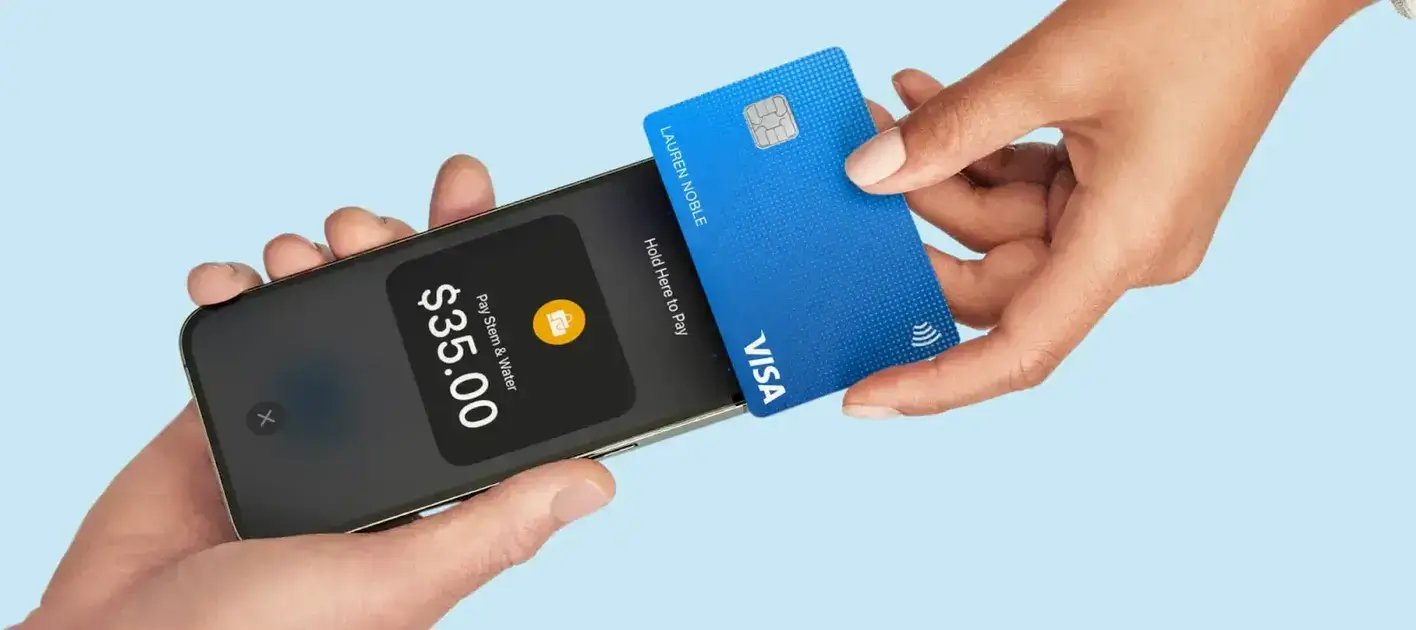
Square’s core functionality on Android devices lies in its mobile POS system. This allows businesses to take payments on the go, whether they’re running a food truck, offering freelance services, or setting up shop at a pop-up market. With the Square POS app on Android, you can accept payments via credit card, debit card, and digital wallets like Google Pay and Apple Pay.
The app also supports tipping, splitting payments, and applying discounts, giving you a versatile tool to handle all types of transactions. Plus, you can keep track of cash payments alongside card transactions, making it easier to manage your overall sales.
Inventory and Order Management
In addition to payment processing, Square offers comprehensive inventory management tools that Android users can leverage to track their stock in real-time. Whether you sell physical products or digital goods, the inventory management system helps you track how many items you have left, get alerts when stock is running low, and keep tabs on inventory across multiple locations.
The app also allows you to manage orders, print or email receipts, and issue refunds directly from your Android device. This can be particularly useful for businesses that need to keep tight control over their inventory, such as retail stores, cafes, and restaurants.
Sales Reporting and Analytics
For small business owners, keeping track of sales performance is crucial to growth and success. Fortunately, Square’s Android app provides detailed sales reports that can help you analyze transaction data, track trends, and identify areas for improvement. You can access your sales history by day, week, or month to see which items sell best.
Additionally, Square integrates with other business management tools, such as payroll and customer relationship management (CRM) software, allowing you to sync data and streamline operations.
Invoice Generation and Online Payments
Square also makes it easy to generate digital invoices and accept online payments. Android users can create and send customized invoices directly from the Square POS app. This is ideal for freelancers, contractors, and service-based businesses that need a simple way to bill clients.
Clients can pay invoices using a credit or debit card or through payment platforms like Google Pay. Invoicing with Square helps you stay organized, track outstanding payments, and get paid faster.
Pros and Cons of Using Square on Android Devices
Like any payment system, using Square on Android has advantages and limitations. Here’s a quick breakdown of the pros and cons to help you decide whether it’s the right fit for your business.
Pros
- Ease of Use: The Square POS app is user-friendly and intuitive, making it easy to set up and process payments quickly.
- Affordability: There are no monthly fees, and Square’s transaction fees are competitive. You only pay when you make a sale.
- Compatibility: Square works on various Android devices, from budget smartphones to high-end tablets.
- Comprehensive Features: From inventory management to invoicing, Square offers an all-in-one solution for managing sales, payments, and business operations.
- Flexibility: Whether you’re at a trade show, market, or physical store, Square allows you to process payments anywhere.
Cons
- Limited Customization: While the app is feature-rich, some businesses may find its customization options limited compared to specialized POS systems.
- Requires External Hardware: To process card payments, you will need to purchase Square’s card reader or terminal, which is an additional cost.
- Dependence on Internet: Like most mobile payment systems, Square requires a reliable internet connection to function smoothly.
Frequently Asked Questions
Here are some of the related questions people also ask:
Is Square compatible with all Android devices?
Square is compatible with most Android smartphones and tablets running Android 5.0 or higher. You can check your device’s compatibility in the Google Play Store.
How do I set up Square on my Android device?
Download the free Square POS app from the Google Play Store, create a Square account, and connect your Square card reader via Bluetooth to start accepting payments.
What payment methods does Square for Android support?
Square for Android supports credit cards, debit cards, contactless payments like Google and Apple Pay, as well as cash payments.
Do I need internet to use Square on Android?
Yes, Square requires a stable internet connection through Wi-Fi or mobile data to process transactions and sync data.
Can I send invoices through Square on Android?
Yes, Square allows you to create and send invoices directly from the Android app, and customers can pay online through various payment methods.
Does Square charge a monthly fee for using the app on Android?
No, Square does not charge a monthly fee. You only pay transaction fees when you process payments through the app.
What hardware is needed to use Square with Android devices?
To process card payments, you’ll need Square’s card readers, like the Square Reader for magstripe or contactless and chip, which can be connected to Android devices via Bluetooth.
The Bottom Line
So, does Square work for Android? The answer is a clear yes. Square is fully compatible with most Android devices and offers a wide range of features, making it an attractive payment solution for businesses of all sizes. Whether you’re a solopreneur running a small business from your phone or a larger business looking for a robust mobile payment system, Square provides a reliable, affordable, and easy-to-use option.
Its compatibility with Android means you can enjoy all the benefits of Square’s payment processing tools without switching devices or investing in expensive POS hardware. From mobile payments and inventory tracking to invoicing and sales reporting, Square offers everything you need to streamline your business operations.
However, it’s essential to consider your business’s unique needs when deciding if Square is the right fit. If you require highly specialized POS features or have concerns about hardware costs, it may be worth exploring additional options. But for most small businesses, Square on Android delivers the versatility and efficiency required to manage payments seamlessly.
In conclusion, if you’ve been wondering does Square work for Android, rest assured that it not only works but provides a powerful solution for business owners seeking an easy way to manage payments and grow their ventures.