We may earn a commission for purchases through links on our site at no cost to you, Learn more.
- Counting steps is a simple yet effective way to improve overall health and fitness.
- Most Android devices come with built-in health apps that track steps.
- Third-party apps like Pacer, Samsung Health, and MyFitnessPal offer enhanced step-counting features.
- Wearable devices like Fitbit and Garmin provide real-time step tracking and sync with Android smartphones.
- Setting daily step goals can motivate you to stay active and monitor progress.
- Incorporating small changes, like taking the stairs or walking during breaks, can significantly increase daily step counts.
- Joining walking groups or challenges can enhance accountability and make walking more enjoyable.
- Consistency and dedication are key to turning step counting into a rewarding habit.
In today’s fast-paced world, maintaining a healthy lifestyle is more important than ever. One of the simplest and most effective ways to stay active is by keeping track of your daily steps. With the advent of smartphones, particularly Android devices, monitoring your physical activity has become easier than ever.
This blog post will guide you through how to count steps on Android, exploring various methods, applications, and tips to enhance your walking experience.
How to Count Steps on Android
Walking is an essential form of exercise that can significantly improve your overall health. Studies have shown that walking regularly can reduce the risk of chronic diseases, enhance mental well-being, and boost energy levels. Given the ease of access to technology, most people carry a smartphone in their pocket or bag, making it an ideal tool for tracking daily steps.
Android devices have various features and applications that can help you count your steps effortlessly. This guide will explore different methods to help you understand how to count steps on Android and motivate you to incorporate more walking into your daily routine.
The Importance of Counting Steps
Counting steps can provide several benefits, including setting fitness goals, monitoring your progress, and enhancing your motivation. By keeping track of your daily activity, you can establish a baseline for your fitness level and gradually work towards your targets. For many, the goal is to reach 10,000 steps per day, a benchmark that can lead to improved health and fitness.
The good news is that counting steps is not limited to fitness enthusiasts. Whether you’re a seasoned athlete or looking to improve your overall well-being, learning how to count steps on Android can be a significant step in the right direction.
Methods to Count Steps on Android
There are multiple ways to track your steps on an Android device. Let’s explore the various methods, starting with the built-in features many Android devices offer.
1. Using Built-in Step Counter
Most modern Android smartphones have built-in health and fitness applications with a step counter. Here’s how to access this feature:
- Open Your Health App: Many Android devices have a pre-installed health app (like Google Fit). If your device doesn’t have one, you can download Google Fit from the Google Play Store.
- Set Up Your Profile: When you first open the app, you may need to set up your profile by entering your height, weight, age, and fitness goals. This information will help the app provide you with more accurate data.
- Enable Activity Tracking: Go to the settings in your health app and ensure that activity tracking is enabled. This allows the app to monitor your steps throughout the day.
- Check Your Progress: After walking, open the app to check your step count. Most apps will display daily, weekly, and monthly summaries to help you track your progress over time.
By utilizing the built-in features of your Android device, you can easily start counting your steps without the need for additional applications. This method is convenient and user-friendly, allowing you to focus on your fitness goals rather than navigating through complex interfaces.
2. Third-Party Step Counting Apps
While built-in apps are handy, third-party applications often offer more features and detailed insights. Here are some popular step-counting apps available on the Google Play Store:
- Pacer: This app is highly rated for its user-friendly interface and comprehensive features. Pacer counts your steps and tracks distance, calories burned, and more. To stay motivated, you can set daily goals and participate in challenges with friends.
- Samsung Health: This app comes pre-installed on Samsung devices. It provides robust step tracking and other health metrics. You can log workouts, track food intake, and monitor sleep patterns.
- MyFitnessPal: While primarily known for its food diary, MyFitnessPal also includes a step tracker. It’s an excellent option if you want to combine step counting with diet tracking for a more holistic approach to health.
- MapMyWalk: This app is perfect for those who want to track their walking routes in addition to counting steps. It provides real-time GPS tracking, allowing you to see your walking paths on a map, as well as your step count and distance.
To use these apps, download them from the Google Play Store and follow the setup instructions. Most require you to create an account and enter basic personal information for accurate tracking.
3. Wearable Devices
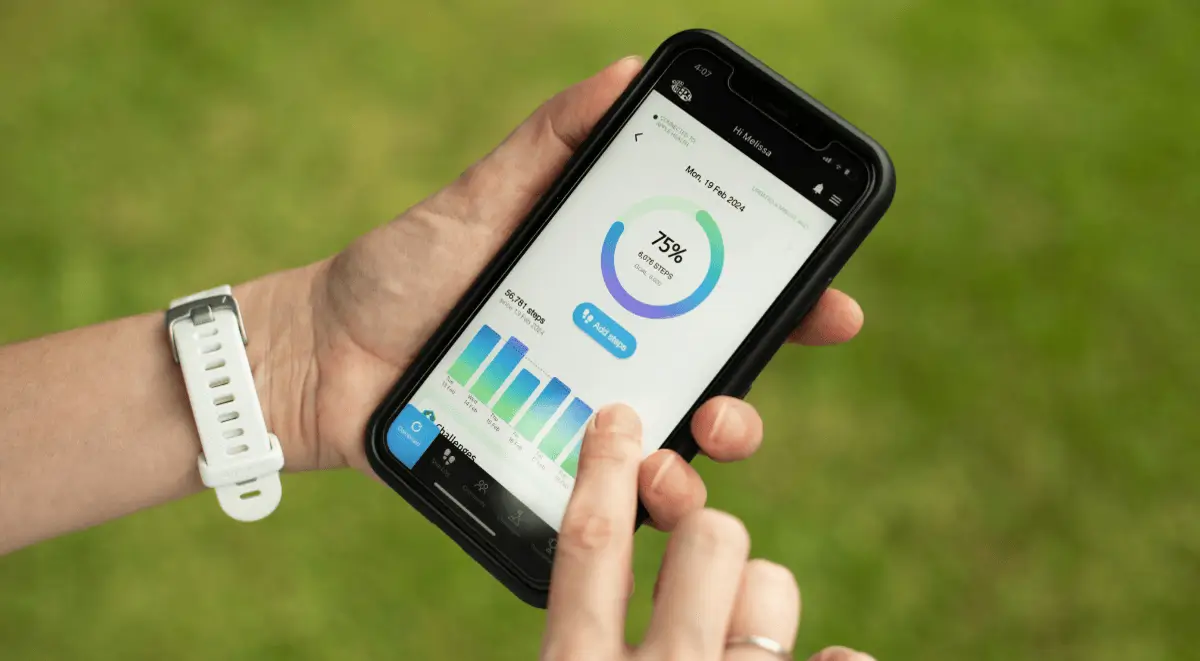
For those who prefer a more hands-free approach, wearable devices such as smartwatches and fitness trackers can be an excellent solution for counting steps. These devices sync with your Android smartphone and provide real-time data on your activity levels.
- Fitbit: One of the most popular fitness trackers, Fitbit devices are designed to track your steps, heart rate, and sleep patterns. The companion app syncs with your Android phone to provide detailed insights.
- Garmin: Garmin offers a range of smartwatches and fitness trackers that are excellent for step counting. Their devices are known for their accuracy and can track multiple activities, including running, cycling, and swimming.
- Xiaomi Mi Band: This affordable fitness tracker is lightweight and provides excellent step-counting capabilities. The Mi Fit app syncs with your Android device, allowing you to monitor your steps and set fitness goals.
To use a wearable device, follow the manufacturer’s setup instructions, connect it to your Android device, and let it track your steps throughout the day. This method is particularly beneficial for those serious about fitness, as it allows for continuous tracking without having to constantly check your phone.
Additional Tips for Effective Step Counting
While knowing how to count steps on Android is essential, there are some additional tips and tricks you can implement to maximize your walking routine:
- Set Daily Goals: Aim for a specific number of steps each day, such as 8,000 or 10,000 steps. Setting achievable goals can help you stay motivated.
- Take the Stairs: Whenever possible, opt for stairs instead of elevators. This small change can significantly increase your daily step count.
- Walk During Breaks: Use your lunch or coffee breaks for a quick walk. Even 10 to 15 minutes can add up and contribute to your daily goal.
- Use a Pedometer App: If you prefer simplicity, consider downloading a dedicated pedometer app. These apps focus solely on counting steps, making them lightweight and easy to use.
- Join Walking Groups: Engage with local walking groups or challenges. This social aspect can keep you accountable and make walking more enjoyable.
By integrating these tips into your daily routine, you can enhance your step-counting efforts and improve your overall health.
Frequently Asked Questions
Here are some of the related questions people also ask:
What is the best app for counting steps on Android?
The best app for counting steps on Android varies by user preference, but popular options include Google Fit, Pacer, and Samsung Health, each offering unique features and user-friendly interfaces.
Do I need to keep my phone in my pocket to count steps?
Yes, for most step-counting apps, you need to keep your phone in your pocket or carry it with you as they use the device’s sensors to track your movement.
Can I count steps without an app?
Yes, you can count steps without an app by using a pedometer, a device designed specifically for tracking steps, or by manually counting them, though this method is less accurate.
How accurate are step-counting apps on Android?
Step-counting apps on Android can be fairly accurate, but their precision may vary depending on the device’s sensors and how you carry the phone. Wearable devices tend to provide more accurate tracking.
What is a good daily step goal for beginners?
A good daily step goal for beginners is around 5,000 to 7,000 steps. Gradually increasing this target to 10,000 steps can help improve fitness over time.
Can I track steps using my smartwatch?
Many smartwatches are designed to track steps and sync with Android smartphones, providing real-time data and insights into your daily activity levels.
How can I increase my daily step count?
To increase your daily step count, consider taking the stairs instead of the elevator, walking during breaks, joining walking groups, or setting specific walking goals to keep yourself motivated.
The Bottom Line
Understanding how to count steps on Android is a valuable skill to help you achieve your fitness goals. Whether you use your smartphone’s built-in features, download third-party apps, invest in wearable devices, or implement helpful tips, the key is to stay consistent and motivated.
Counting steps is more than just a number; it’s about creating healthy habits that can lead to a more active lifestyle. As you track your progress, remember to celebrate your achievements, no matter how small. Each step taken is a step towards better health, increased energy, and improved well-being.
So, start counting those steps today! Embrace the technology at your fingertips, set your goals, and take charge of your health. With dedication and the right tools, you can turn walking into a rewarding and enjoyable part of your daily routine.